
Media Collaboration
Feedback where it matters most.
Leave precise, contextual annotations directly on images, videos, PDFs, and 80 file formats. Every comment is tied to the exact spot it references.
Feedback & Review
Annotate anything, anywhere
Pin comments directly on files with pixel-perfect precision. Draw shapes, drop pins, and mark up video frames with time-code accuracy. When it is faster to say it out loud, start a video or audio call on the same file without moving anyone to another app, keep a live chat running beside the artwork, and see who else is on the file while you do it. Whatever gets decided can be pinned as a note before anyone hangs up.
Rich Comments
Say it the fastest way, not the tidiest
Drag a file into a comment and it embeds where you dropped it, inline, at the point you meant. Record an audio note or a video note when typing it out would take five paragraphs, and it arrives with a waveform and a transcript already attached. Mention anyone on the project and they hear about it.
Version History
Every revision, always accessible
Automatic version stacking keeps your file history clean. Compare any two versions with a drag-to-wipe divider, and never lose a revision.
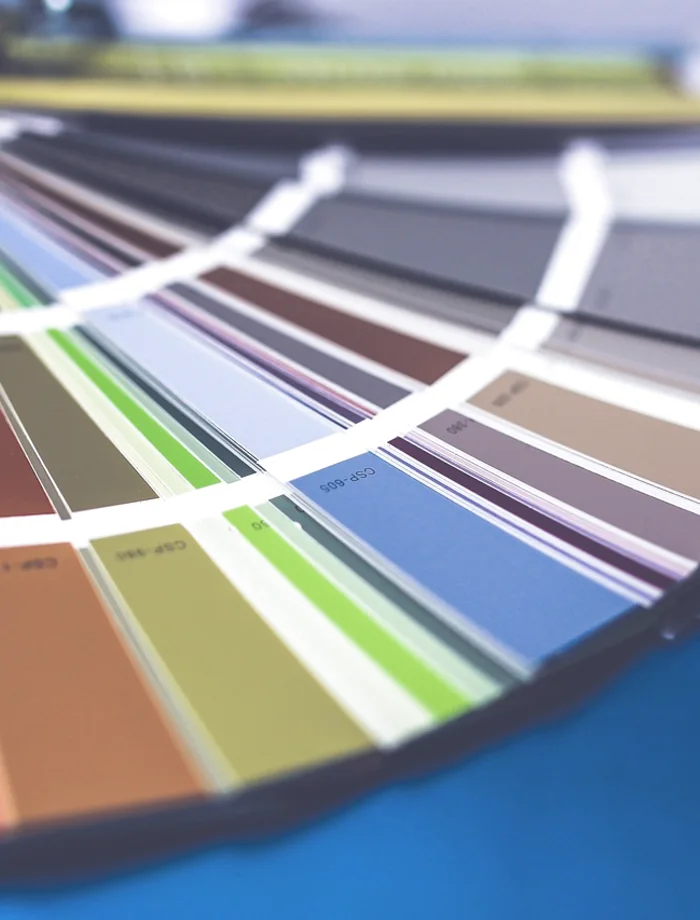
Auto Stacking
Upload new versions and they stack automatically with the original.
Drag to Compare
Wipe between two versions with a divider you drag.
Pick Any Two
Point either side of the compare at any version in the history.
Video Review
Find the frame you mean
Scrub a video and the player shows you the frame under your pointer, decoded from the video itself rather than picked from a handful of sampled stills. Land on the exact moment, leave a note against that timecode, and whoever opens it next arrives at the same frame.
Approvals
Sign-off that stays on the record
Approve a file in one click, and undo it if you change your mind. Every approval is stamped with who gave it and when, sitting in the same panel as the notes and the tasks. Anyone still owing you one can be asked for it from the same place.
Annotations
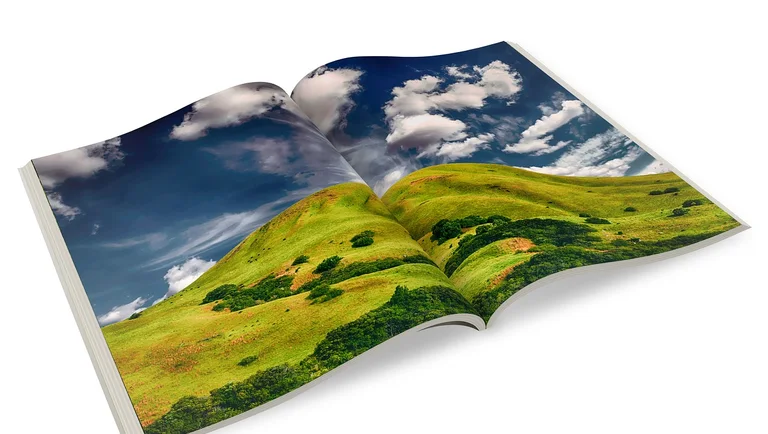
Feedback that knows where it points
A note in Cage is fixed to a spot on the work, not to the file it lives in. Anyone reading it later sees the pin and the comment together, so nobody has to reconstruct which corner of which version somebody meant.
 134
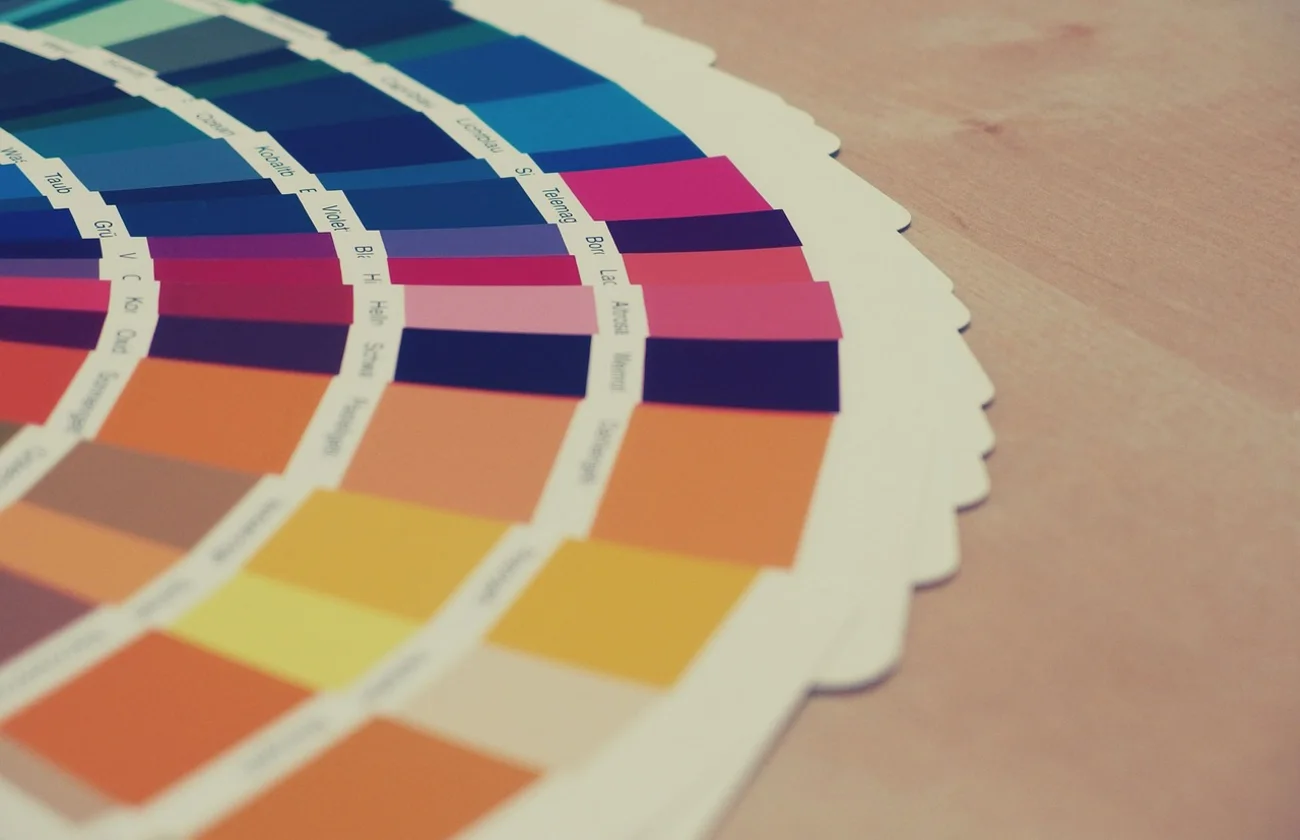
134Crop is tight on the left. Can we get 40px more bleed before this goes to the printer?
Approved. This is the one to ship.
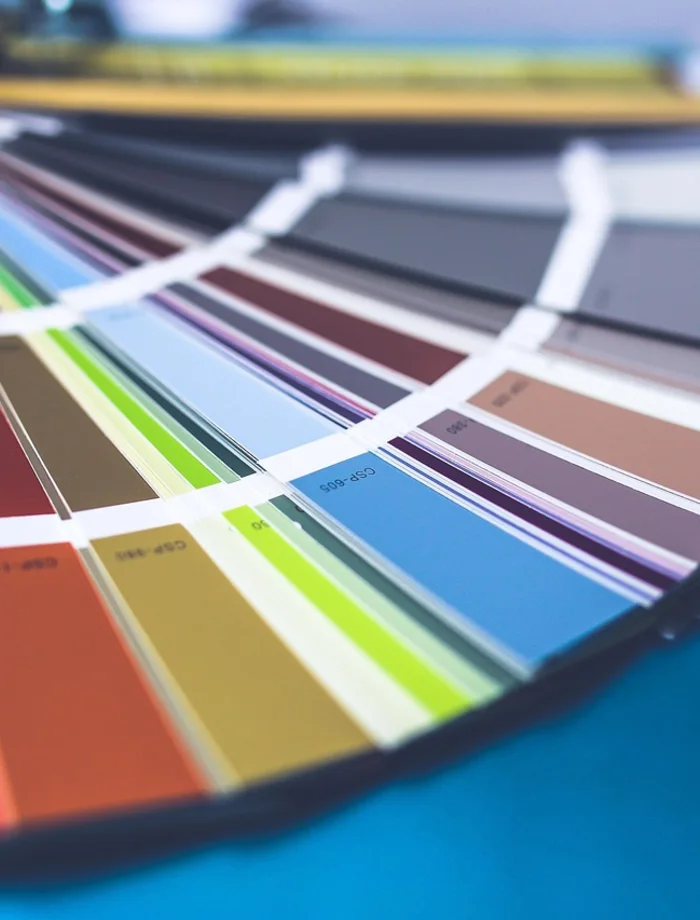
Swatch three is reading warmer here than the physical sample.
The chip labels disappear at small sizes. Worth a second crop for social.
File support
80 file formats supported
Images, video, PDFs, PSDs, Sketch files, 3D models, audio, and more. If your team creates it, Cage can review it.
More collaboration features
Threaded Comments
Organized conversations that stay attached to the file.
Smart Notifications
Get notified about what matters, filter out the noise.
Guest Access
Invite clients to review without requiring an account.
Mobile Review
Review and approve files from any device, anywhere.
Ready to streamline your review process?
Start collaborating on media files with your team today.
No credit card required. Cancel anytime.